SOLIDWORKS 3D CAD
SOLIDWORKS 3D CAD is the industry-standard parametric modeler for designing parts, assemblies and manufacturing drawings. Available in Standard, Professional and Premium tiers, it helps engineering teams turn ideas into production-ready designs faster.
Overview
SOLIDWORKS 3D CAD is a parametric, feature-based modeling system used to create parts, assemblies, and production drawings within a single associative environment. Its history-driven approach means design intent is captured as editable features, so changes propagate through related models and drawings automatically. It remains a widely adopted desktop CAD platform for mechanical design and product development, available in Standard, Professional and Premium editions.
Parametric Modeling
Feature-based models that stay editable as the design changes.
Simulation & Analysis
Validate strength, motion and thermal performance early.
2D Manufacturing Drawings
Production-ready drawings, dimensions and BOMs.
Assemblies & Collaboration
Build large assemblies and collaborate in real time.
Explore capabilities
Parametric part modeling
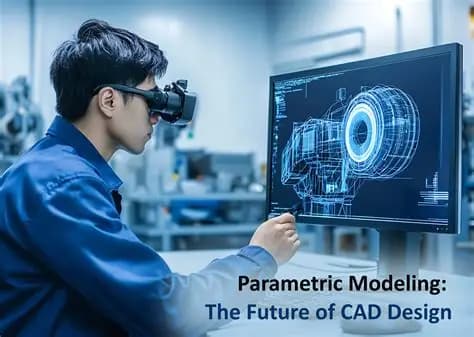
Build solid and surface geometry from a feature history of sketches, extrudes, revolves, sweeps, and fillets. Dimensions and relations remain editable so revisions are quick and predictable.
Large assembly design
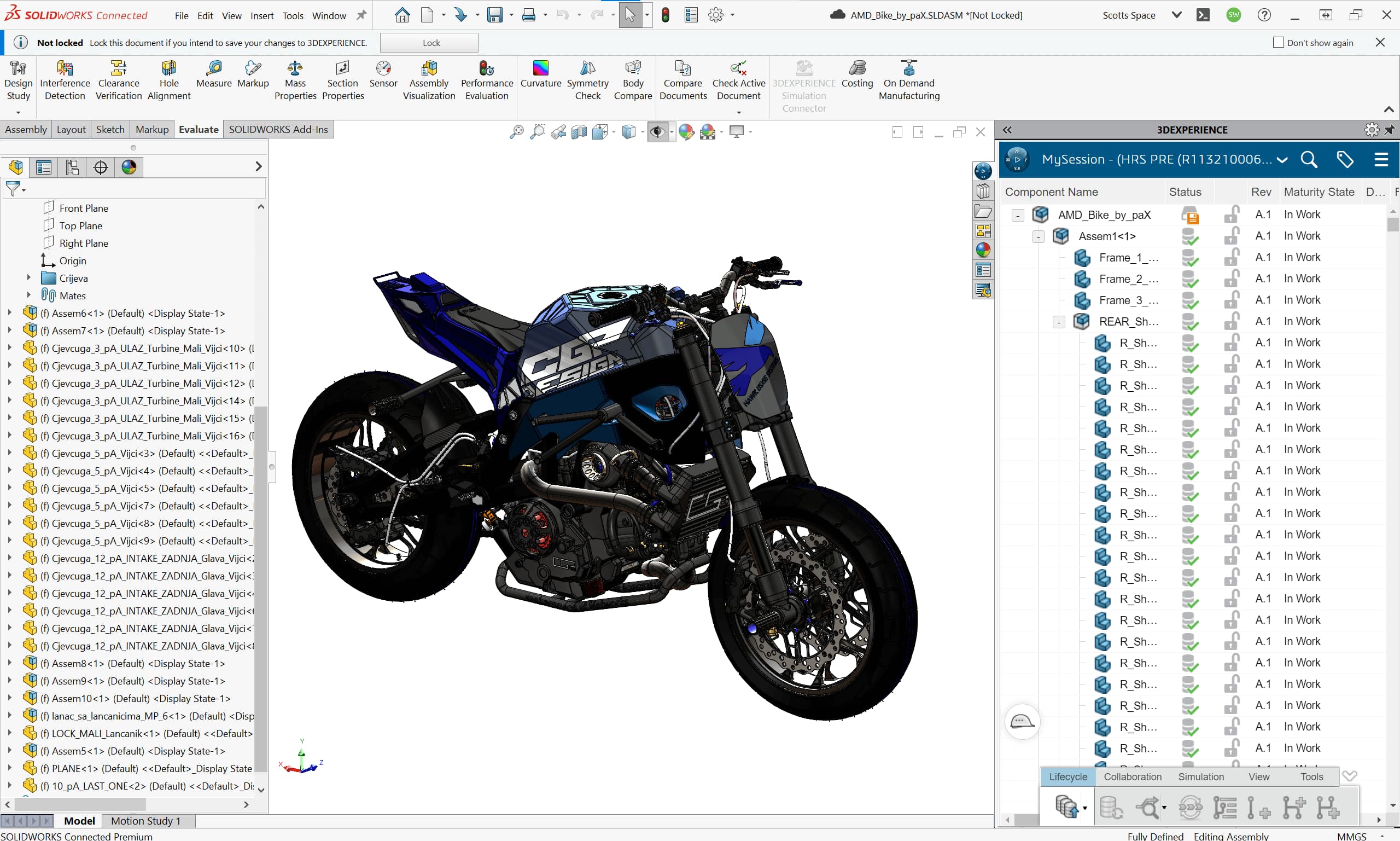
Assemble components with mates that define fit and motion, then check for interferences and clearances. Lightweight and large-design-review modes help keep sizeable assemblies responsive.
Associative 2D drawings
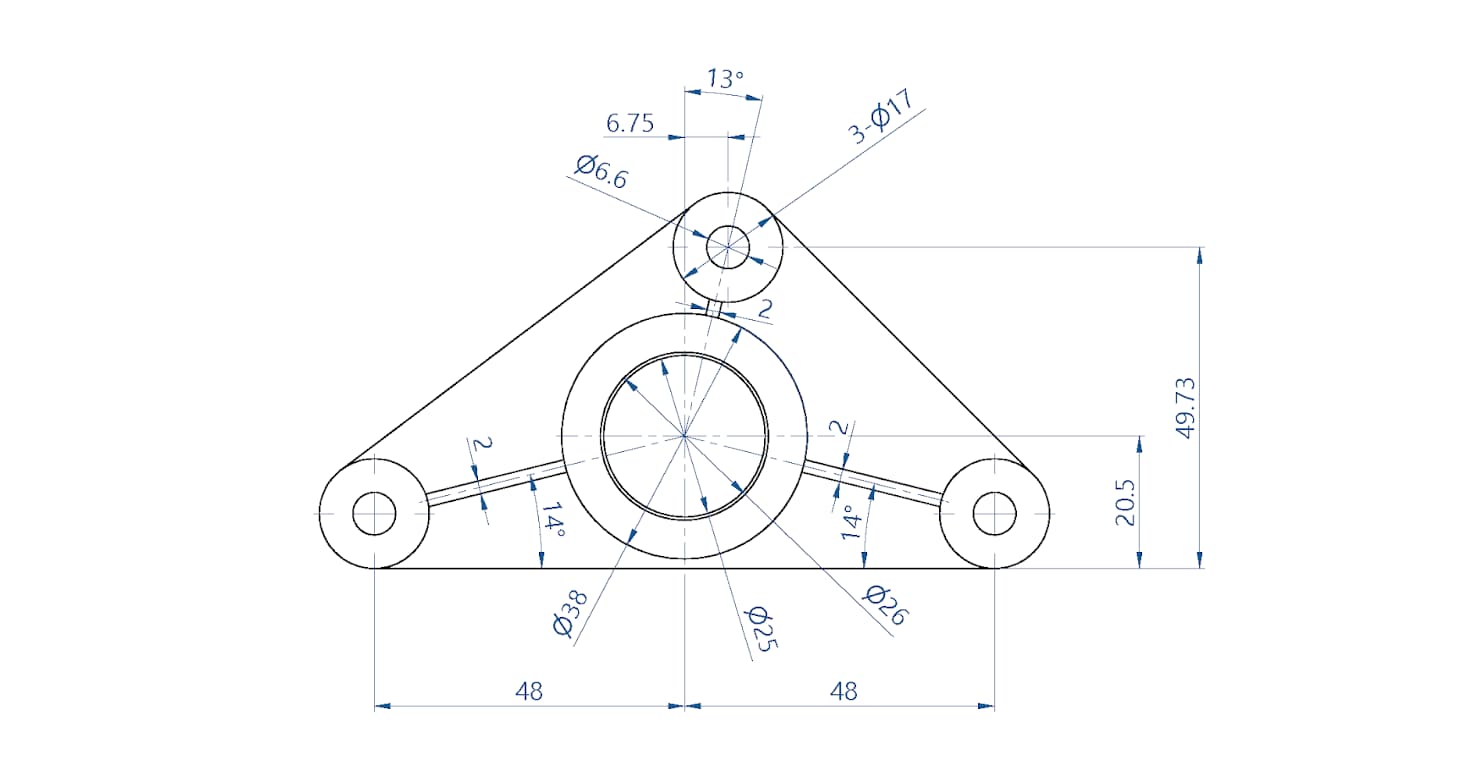
Generate dimensioned production drawings that stay linked to the 3D model. Views, BOMs, and annotations update when the underlying geometry changes.
Sheet metal and weldments
Dedicated tools model bends, flanges, and flat patterns for fabrication, and structural members for welded frames, with cut lists for manufacturing.

Configurations and design tables
Capture multiple sizes or variants of a part or assembly in one file, driven manually or through spreadsheet-based design tables.

Design reuse and standards
Reuse geometry through libraries, mirrored and patterned features, and standard hardware, helping teams keep drawings and parts consistent.

Import and interoperability
Open and exchange neutral formats such as STEP, IGES, and Parasolid, and many native third-party formats, easing collaboration across the supply chain.

Compare packages
Not sure which fits? We'll help you choose the right licence and quote local pricing.
Standard
Core 3D part, assembly, and drawing modeling.
- Parametric part and assembly modeling
- Production drawing creation
- Sheet metal and weldment tools
- Basic design analysis and interference detection
- Import/export of common neutral formats
Professional
Standard plus productivity and data tools.
- All Standard capabilities
- Design library and component search
- Automated design and file comparison utilities
- ECAD/MCAD collaboration (CircuitWorks)
- Photorealistic rendering with PhotoView 360
- File management with SOLIDWORKS PDM Standard
Premium
Professional plus simulation and routing.
- All Professional capabilities
- Linear stress analysis tools
- Motion study and time-based motion analysis
- Routing for pipes, tubes, and electrical cabling
- Tolerance analysis with TolAnalyst
- Advanced surface and reverse-engineering tools
In practice
How teams put SOLIDWORKS 3D CAD to work.
Industrial machinery
Design frames, mechanisms, and enclosures for production equipment. Assembly mates and interference checks help confirm that moving parts clear one another before fabrication.
Consumer and industrial products
Model housings, brackets, and internal components with surfacing and sheet metal tools. Configurations let teams manage product families in a single dataset.
Fabrication and job shops
Produce weldment frames, sheet metal parts, and detailed shop drawings with cut lists and flat patterns. Associative drawings reduce errors when designs are revised.
Frequently asked questions
What is the difference between Standard, Professional, and Premium?+
All three share the same core modeling tools. Professional adds productivity utilities, rendering, ECAD collaboration, and PDM Standard, while Premium further adds simulation, motion analysis, routing, and tolerance analysis. Your choice depends on whether you need data management, rendering, or built-in analysis.
Is SOLIDWORKS 3D CAD sold as a perpetual licence or a subscription?+
It is available in different commercial forms, and options change over time. Contact P CAD CAM and we will explain the current licensing models and recommend the fit for your team.
Can it exchange files with other CAD systems?+
Yes. It reads and writes neutral formats such as STEP, IGES, and Parasolid, and imports many native third-party formats, which makes it practical for working with customers and suppliers on different systems.
Do you provide training and local support?+
Yes. As an authorized reseller for Telangana and Andhra Pradesh, P CAD CAM offers implementation guidance, training, and ongoing technical support in the region.
Interested in SOLIDWORKS 3D CAD?
Get pricing, a live demo and certified local support from an authorized SOLIDWORKS reseller.