Cloud Services
3DEXPERIENCE Cloud Services connect your SOLIDWORKS desktop to secure cloud storage, collaboration and app access. Share, review and manage data with your team and partners from anywhere.
Overview
Cloud Services connect SOLIDWORKS desktop to the 3DEXPERIENCE platform, providing cloud-based storage, data management and collaboration without dedicated on-premise servers. Design data is saved to a secure managed cloud environment where it can be shared, tracked and accessed by authorized team members — a managed data backbone that scales as needs grow.
Cloud Data Storage
Store files in a managed cloud without vault hardware.
Desktop-to-Cloud
Save and open cloud-managed files inside SOLIDWORKS.
Secure Sharing
Invite authorized users to one managed copy of the data.
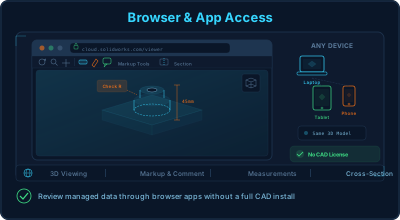
Browser & App Access
Review managed data through browser apps, no CAD install.
Explore capabilities
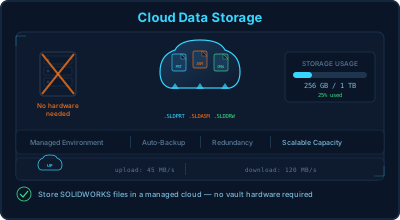
Cloud data storage
Store SOLIDWORKS files in a managed cloud environment rather than local drives, without maintaining vault hardware.
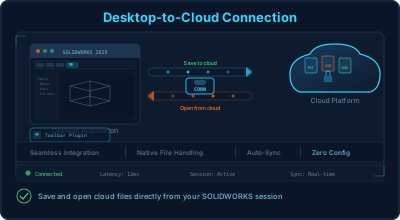
Desktop-to-cloud connection
A connector lets engineers save and open cloud-managed files from within their normal SOLIDWORKS session.
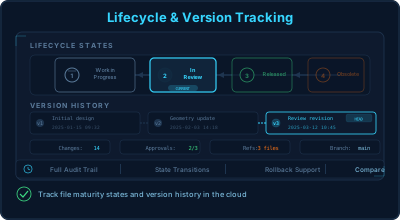
Lifecycle & version tracking
Files carry maturity states and version history in the cloud for basic data-management discipline.
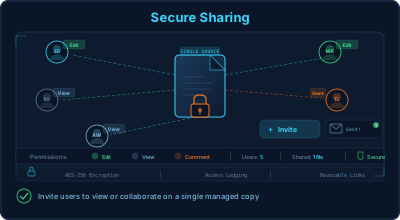
Secure sharing
Invite authorized users to view or work with shared data against a single managed copy.
Browser & app access
Review managed data through browser apps without a full CAD installation.
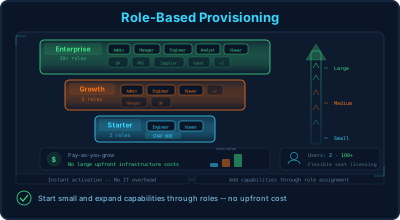
Role-based provisioning
Add capabilities through roles, starting small and expanding without large upfront infrastructure.
Interested in Cloud Services?
Get pricing, a live demo and certified local support from an authorized SOLIDWORKS reseller.