Here are ten workflow-changing highlights in SOLIDWORKS 2026 — and what they mean for your team.
1. AI-Assisted Design Automation
The 2026 release introduces AI-assisted workflows that automate repetitive modeling and drawing steps. Think smarter command suggestions, faster feature creation, and less manual cleanup. For teams producing variants of similar parts, this can shave hours off every project.
Workflow impact: Spend less time clicking and more time engineering.
2. Large Assembly Performance Gains
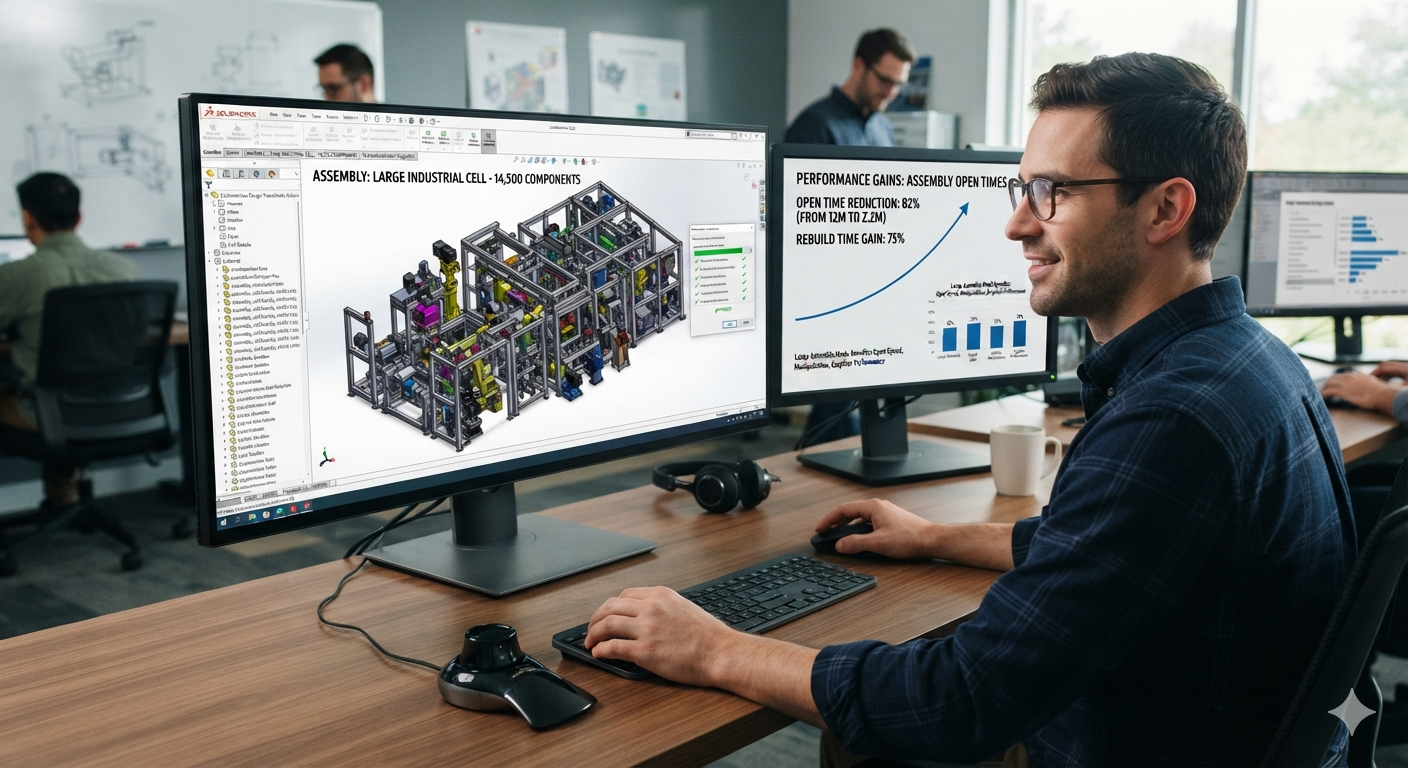
If assemblies feel sluggish on your current version, 2026 is worth the upgrade on performance alone. Continued optimizations in assembly load, drawing view regeneration, and graphics responsiveness mean you can work with bigger designs without bigger hardware.
Workflow impact: Open, rotate, and release drawings on large assemblies without the coffee break.
3. Cloud Services Included with Subscription
Every active subscription now bundles cloud services for sharing, reviewing, and storing designs through the 3DEXPERIENCE platform. Most customers are already entitled to them — they just haven't switched them on.
Workflow impact: Share a link instead of emailing ZIP files. Review designs in a browser, from anywhere.
4. Browser-Based Design with 3D Creator (xDesign)
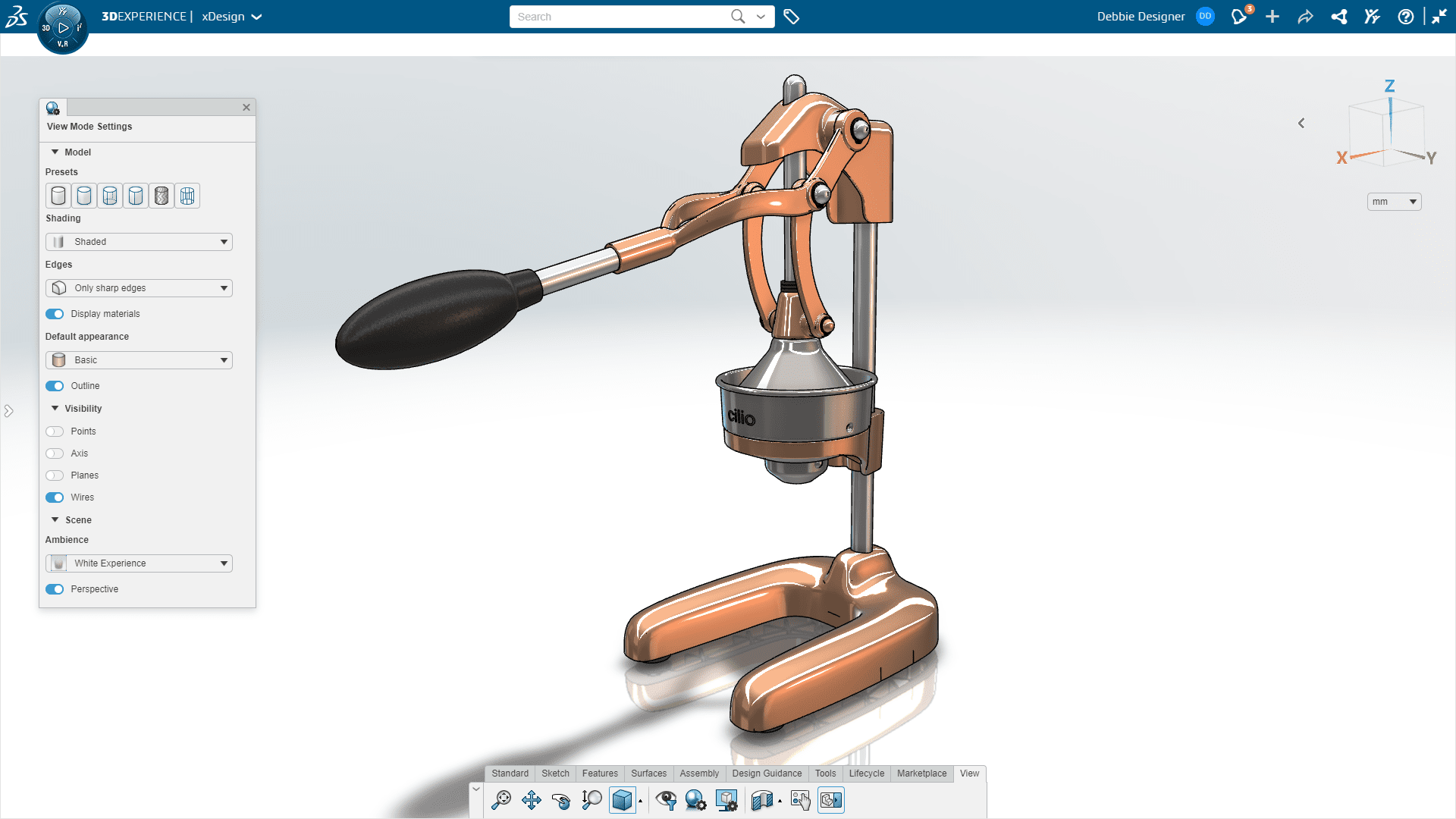
3D Creator gives you parametric SOLIDWORKS-style modeling in a browser. It's ideal for remote workers, travel, or any situation where installing the desktop client isn't practical. Data stays connected to the same platform as your desktop SOLIDWORKS files.
Workflow impact: Design from a laptop, tablet, or even a customer's site — no install required.
5. Manufacturing Definition Creator (MBD/PMI)
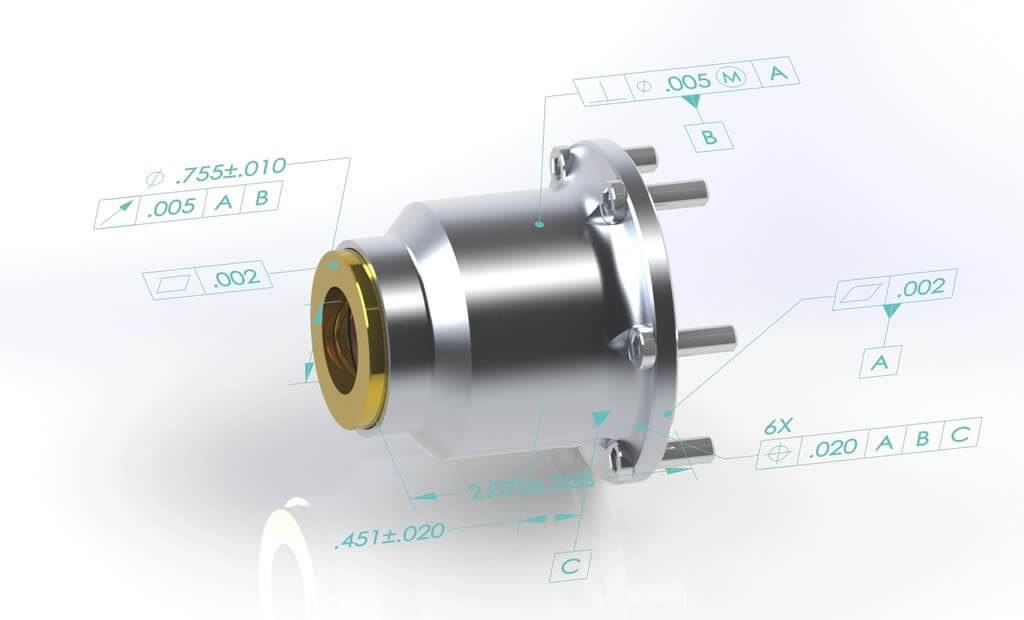
Model-Based Definition continues to mature. The Manufacturing Definition Creator role makes it easier to add PMI, dimensions, and tolerances directly to 3D models, reducing dependence on 2D drawings and improving downstream communication with CAM and inspection.
Workflow impact: One 3D model carries the authority. Fewer drawing errors, faster handoffs.
6. 3D Sheet Metal Creator
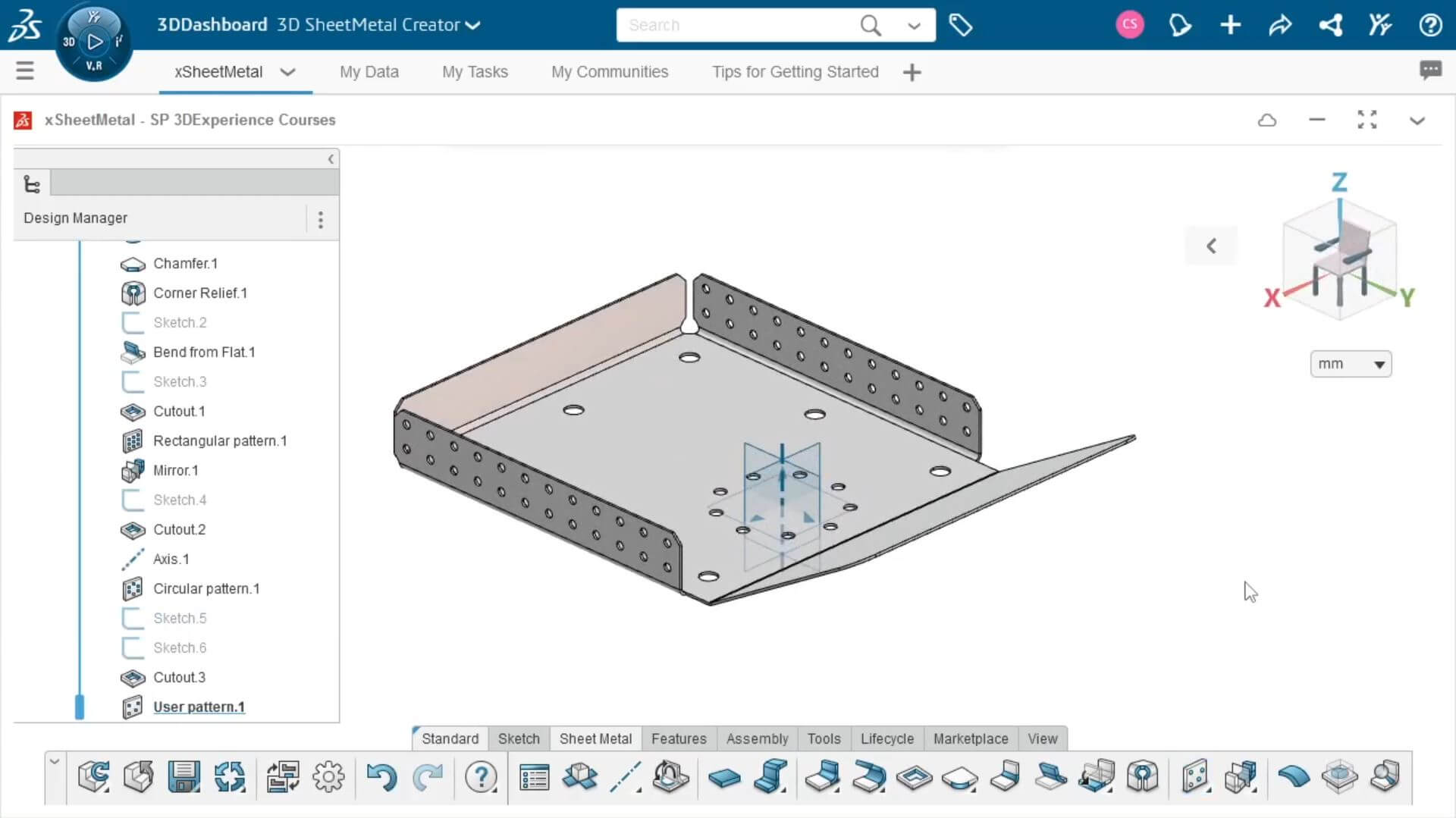
Cloud-based sheet metal design gets stronger in 2026, with browser-based tools for flanges, bends, and flat patterns. For teams that live in sheet metal, it offers an agile way to start or review designs without opening the full desktop application.
Workflow impact: Quoter, designer, and fabricator can all work from the same live model.
7. Simulation-Driven Design
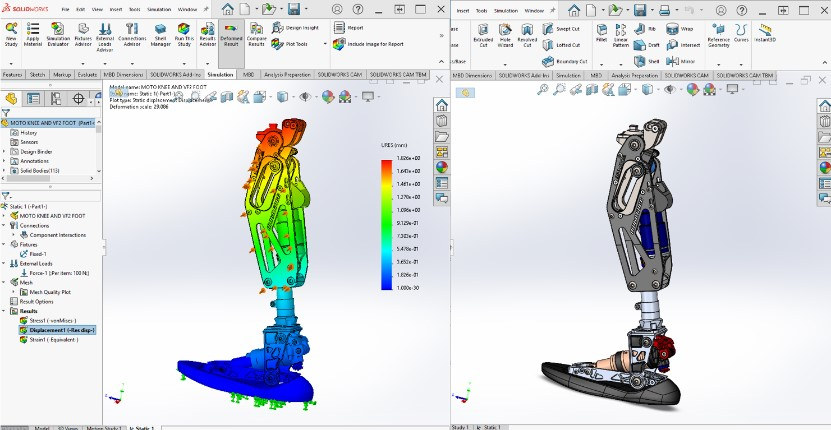
Simulation keeps moving earlier into the design process. Whether you use SOLIDWORKS Simulation or the cloud-based Structural Performance Engineer, 2026 makes it easier to validate as you design rather than waiting for a dedicated analysis phase.
Workflow impact: Catch failures before they become prototypes.
8. Electrical–Mechanical Integration
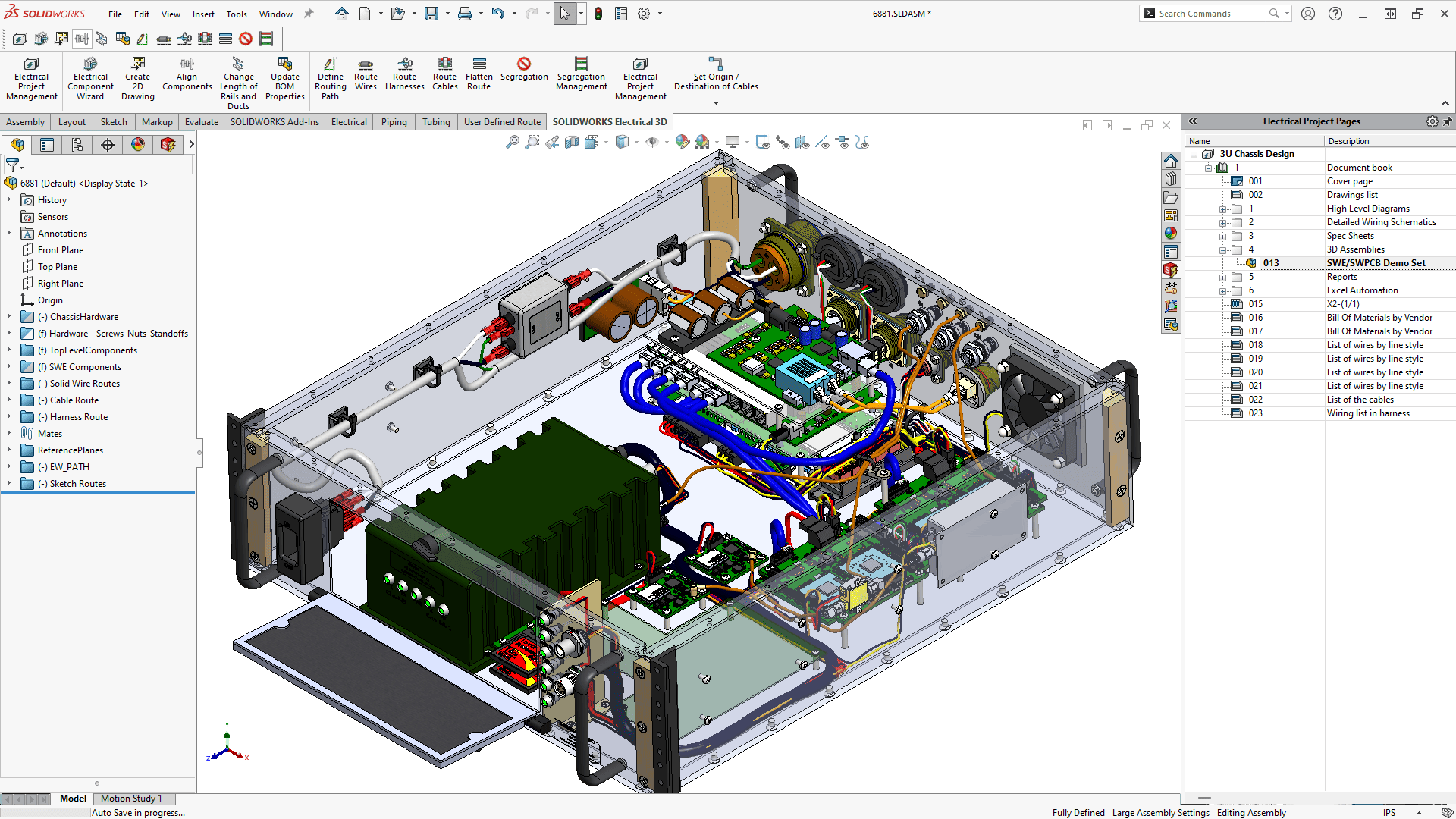
Electrical and mechanical teams continue to converge. Tighter integration between SOLIDWORKS Electrical and 3D CAD means schematic changes propagate faster, cable lengths update automatically, and interdisciplinary errors drop.
Workflow impact: Fewer "oops, the wire harness doesn't fit" moments.
9. PDM and Data Management Enhancements
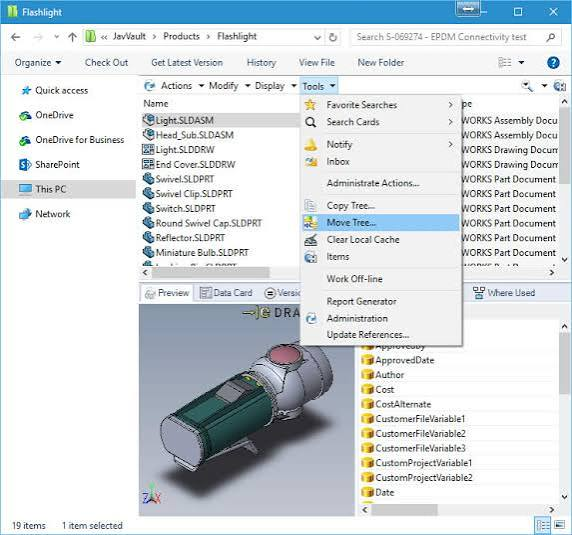
SOLIDWORKS PDM gets refinements that make searching, version control, and release workflows smoother. Better search, clearer revision history, and stronger collaboration reduce the friction of managing growing design data.
Workflow impact: Find the right file, the first time, every time.
10. Drawing and Detailing Productivity
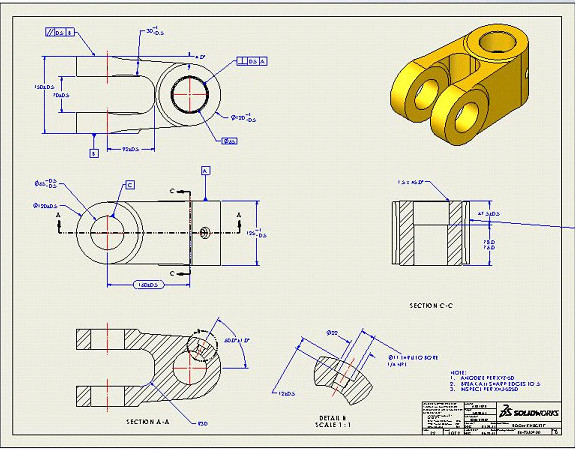
From automatic annotation placement to improved sheet formatting and view handling, detailing keeps getting faster. The 2026 release builds on years of drawing-focused improvements so documentation doesn't become the bottleneck.
Workflow impact: Release manufacturing drawings sooner — without sacrificing quality.
Is It Time to Upgrade?
If your team is on subscription, SOLIDWORKS 2026 is part of your upgrade rights. The combination of AI-assisted workflows, large-assembly speed, and bundled cloud services makes this a high-value release — especially if your current version feels slow or disconnected.
Want to see it on your own parts? Book a complimentary What's New session with our team. We'll run the release on your models and show you which of these features will make the biggest difference in your workflow.
Note: Feature availability depends on your SOLIDWORKS edition and subscription entitlements. Always verify final release details a
gainst the official SOLIDWORKS What's New documentation.