If you run a machine shop or work on the shop floor, here is some good news: Shop Floor Programmer is now free for eligible SOLIDWORKS subscription users. You no longer need a full design workstation or advanced CAM seat to prepare a part for machining. With Shop Floor Programmer, operators and manufacturing engineers can open a cloud-based design, create toolpaths, and generate NC code without waiting for the CAD team.
In this post, we explain what Shop Floor Programmer is, who should use it, and the exact steps to get started.
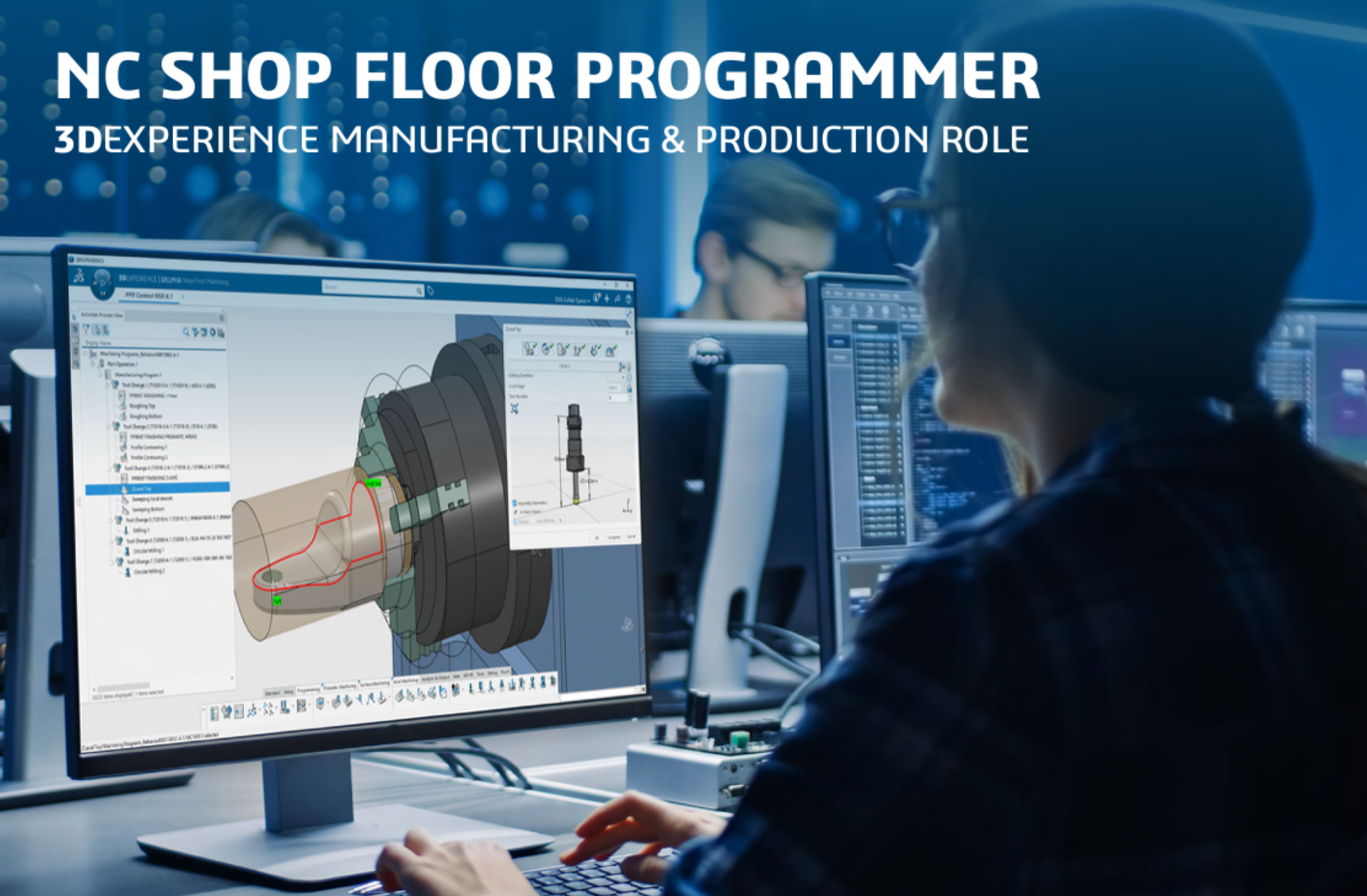 What Is Shop Floor Programmer?
Shop Floor Programmer is a cloud-based CAM programming role built for the manufacturing floor. Instead of requiring a full SOLIDWORKS CAD license, it lets you program a part directly from a cloud design using a simplified, browser-driven interface. It is ideal when:
- The design already exists in the cloud (3DEXPERIENCE platform or SOLIDWORKS connected design).
- You only need to generate 2.5-axis milling toolpaths and NC code.
- You want the shop floor to react faster to design revisions without interrupting the design engineer.
- You do not want to invest in a separate, high-end CAM seat for every operator.
Who Should Use It?
Shop Floor Programmer is built for:
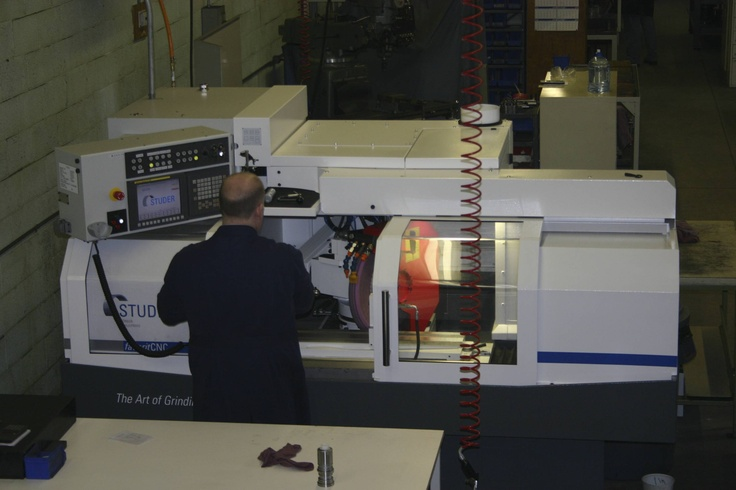
- CNC operators and shop-floor programmers who receive cloud-native parts and need to program them quickly.
- Small and mid-size machine shops that want to reduce CAM bottlenecks.
- Manufacturing engineers who need a lightweight programming role without full CAD overhead.
- Companies moving toward cloud-based design-to-manufacturing workflows and want the shop floor to participate directly.
Prerequisites Before You Start
To use Shop Floor Programmer at no extra cost, make sure you have the following:
- An active SOLIDWORKS subscription that includes the Shop Floor Programmer entitlement.
- A 3DEXPERIENCE platform account or SOLIDWORKS cloud-connected access.
- A supported web browser (Chrome, Edge, or Firefox are recommended).
- Your cloud design file (part or assembly) already uploaded to the platform.
If you are unsure whether your subscription includes Shop Floor Programmer, contact your reseller or check the license dashboard in the 3DEXPERIENCE platform.
How to Use Shop Floor Programmer: Step-by-Step
Step 1: Sign In to the Platform
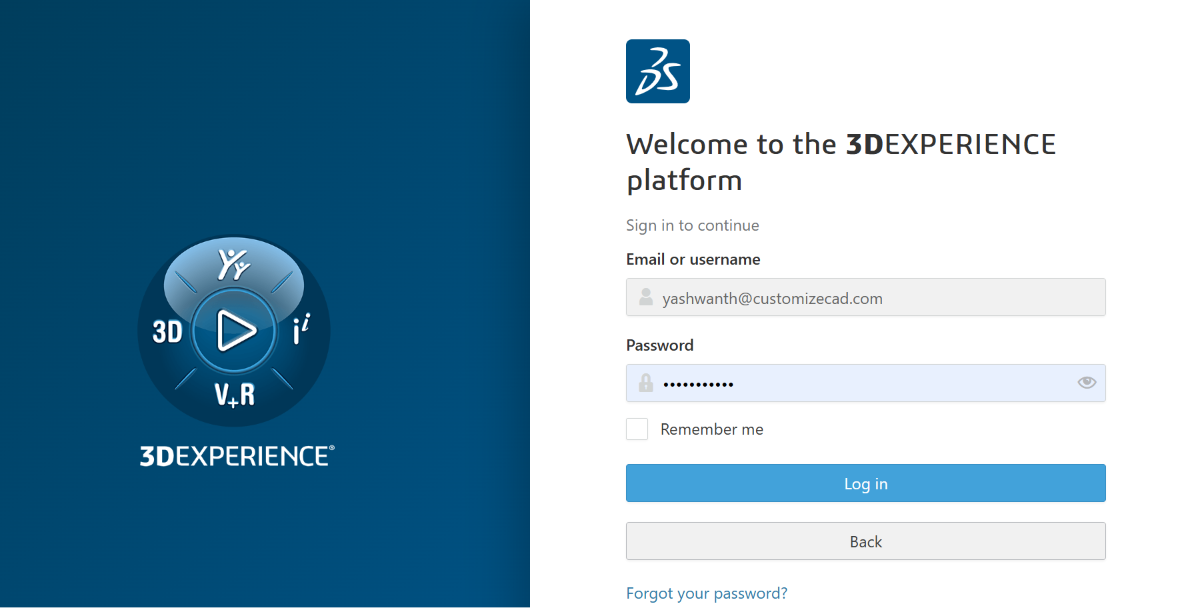
Open your browser and sign in to the 3DEXPERIENCE platform or SOLIDWORKS cloud hub using your credentials. Make sure you select the correct tenant and role.
Step 2: Open Shop Floor Programmer
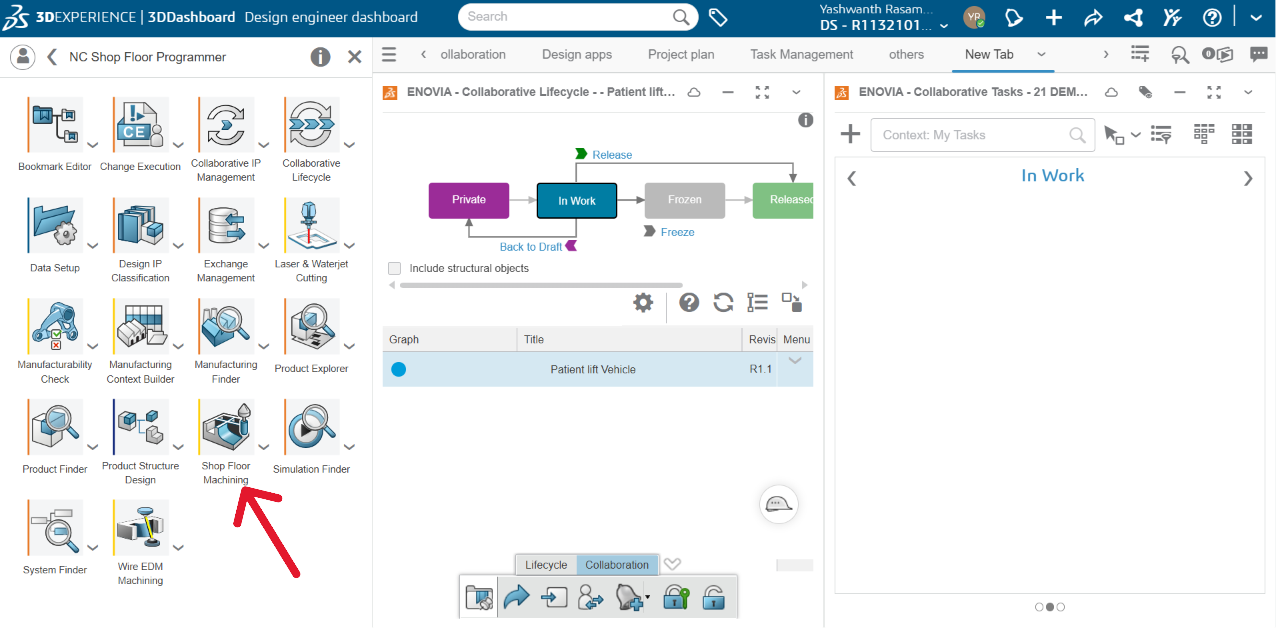
From the app launcher or role catalog, select Shop Floor Programmer. The interface loads in the browser with a CAM-focused dashboard.
Step 3: Open the Cloud Design
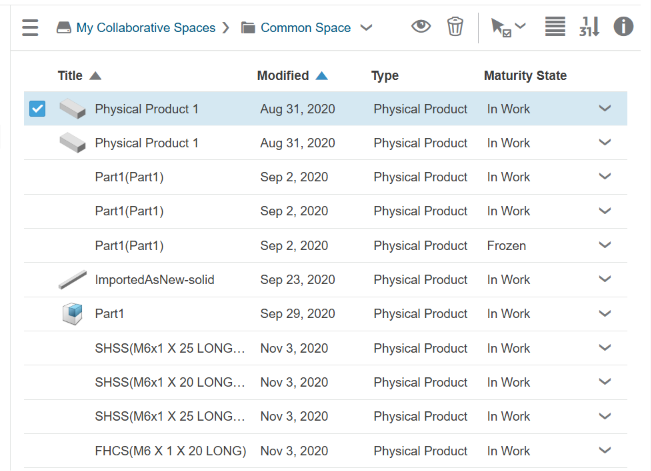
Navigate to the collaborative space or project folder where the part is stored. Select the part and open it inside Shop Floor Programmer. Because the design is cloud-native, you always work on the latest revision.
Step 4: Define the Setup
Create a new machining setup:
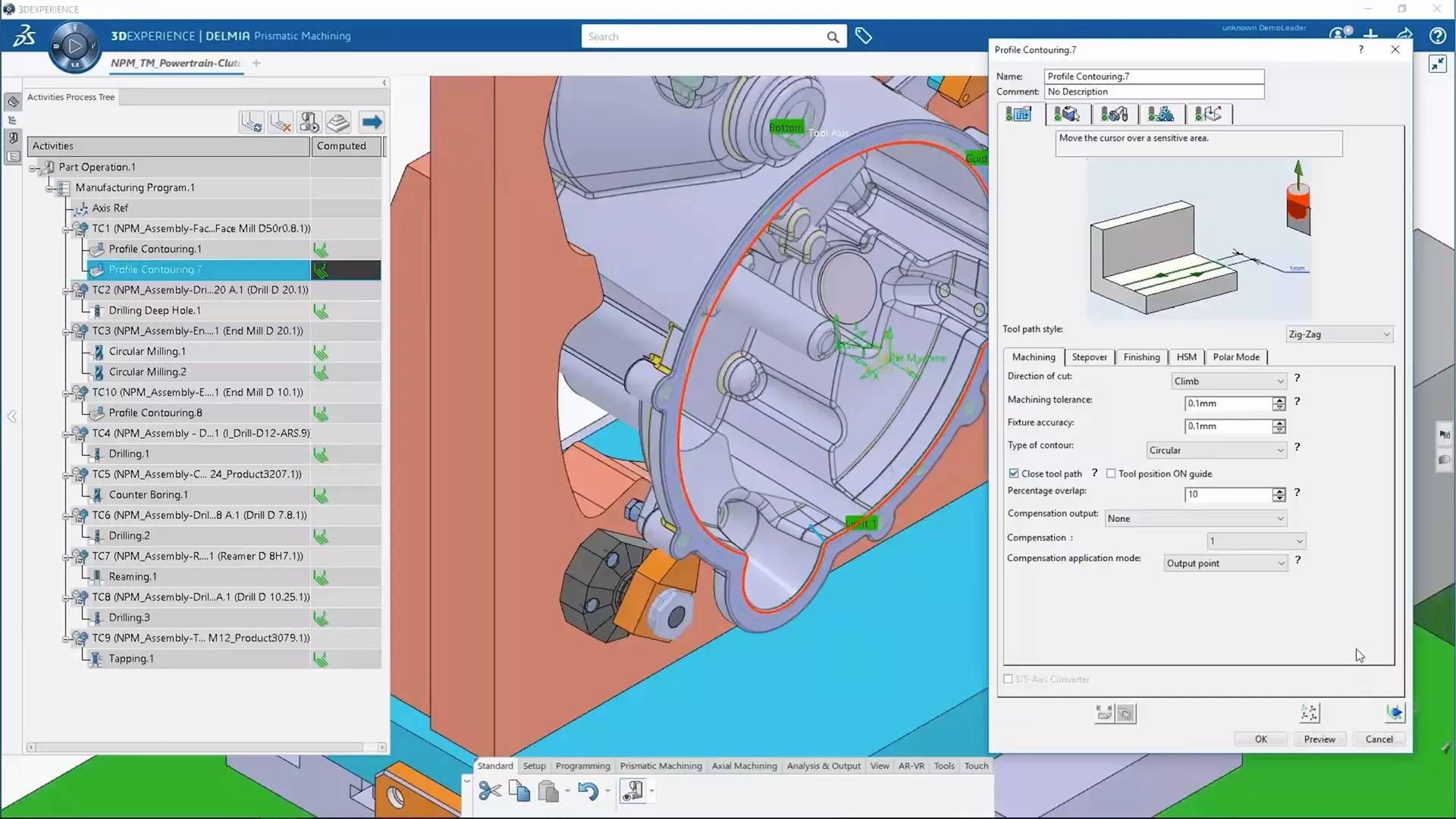
- Pick the machining coordinate system (MCS).
- Select the stock geometry or define stock size manually.
- Choose the machine type and post-processor for your CNC control.
Step 5: Recognise Machinable Features
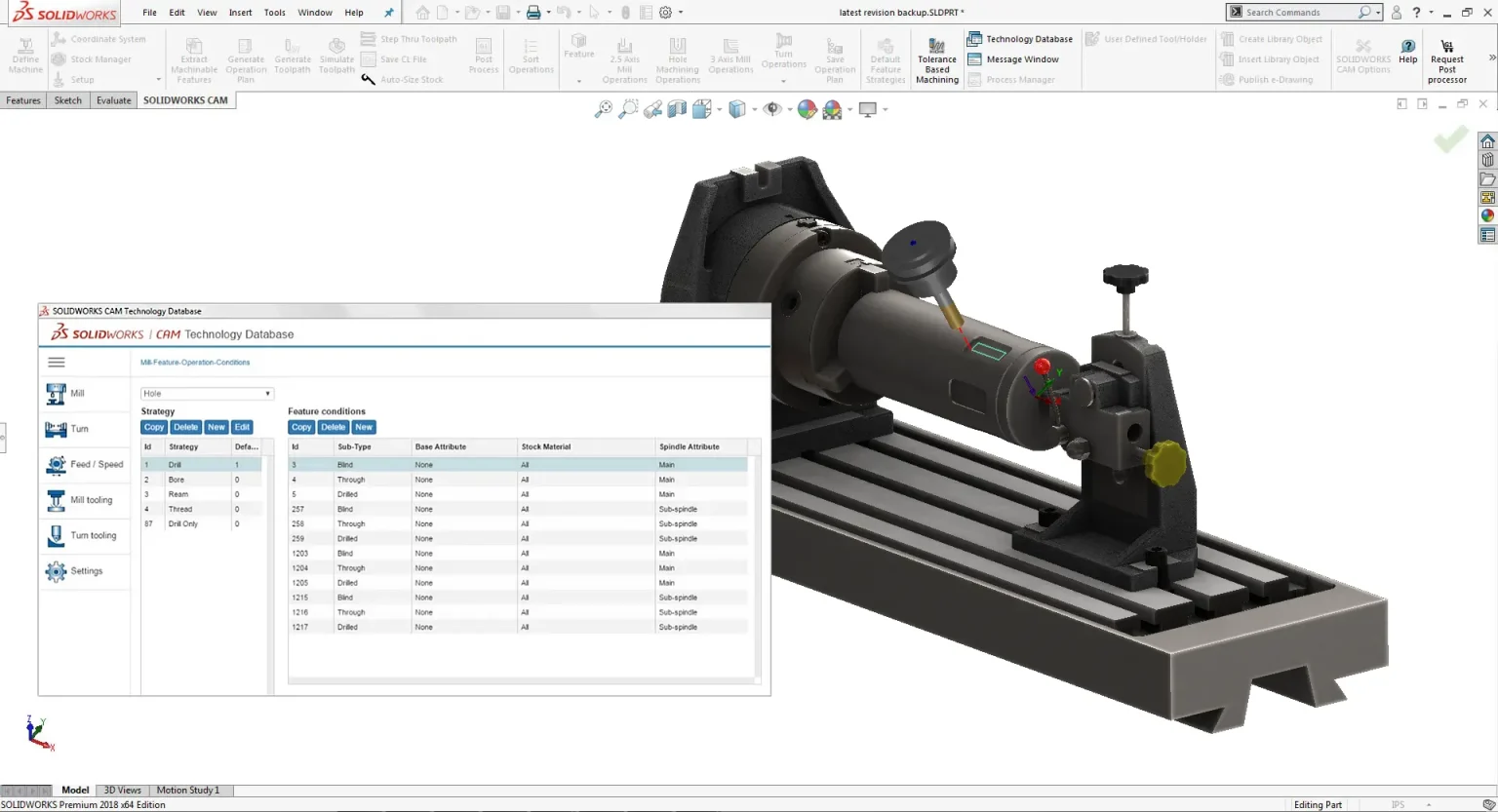
Use automatic feature recognition to detect holes, pockets, slots, and faces. Review the recognised features and add any missing ones manually if needed.
Step 6: Apply Operations
Assign machining strategies to each feature:
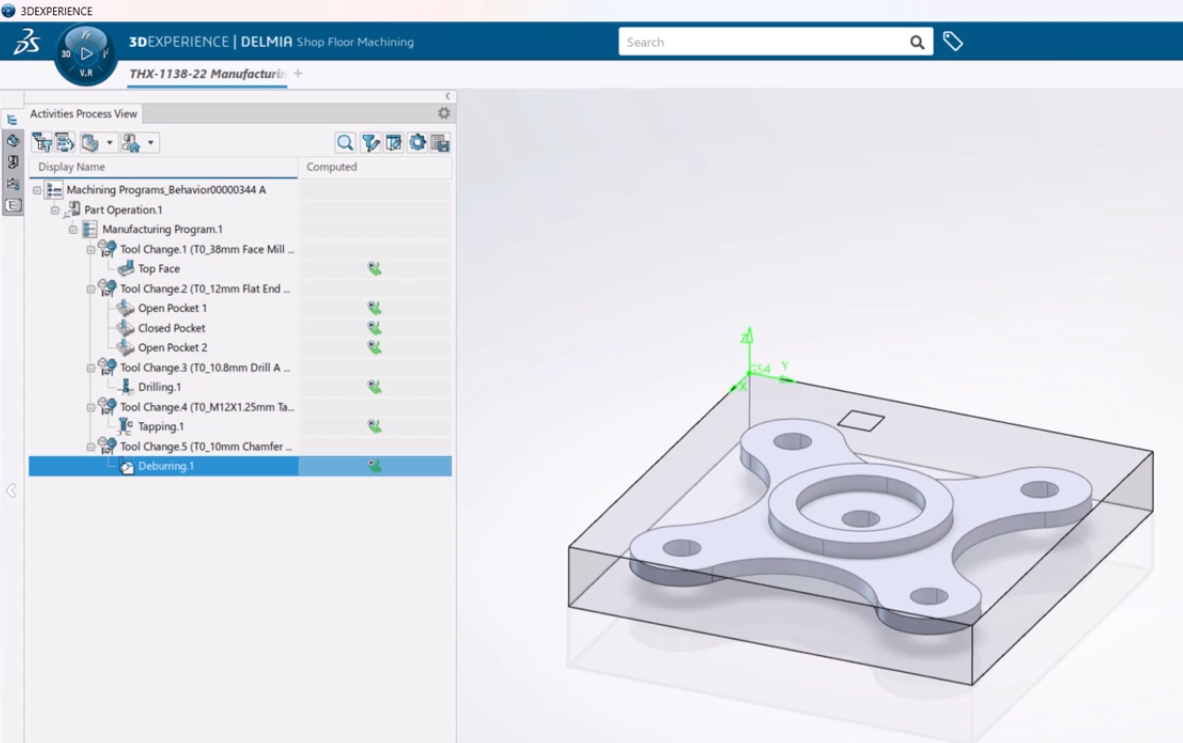
- Facing and contouring for open faces.
- Pocketing for closed pockets.
- Drilling and tapping for holes.
- Thread milling where supported.
The system uses built-in rules and a technology database to suggest tools, feeds, and speeds, which you can override as required.
Step 7: Simulate and Verify
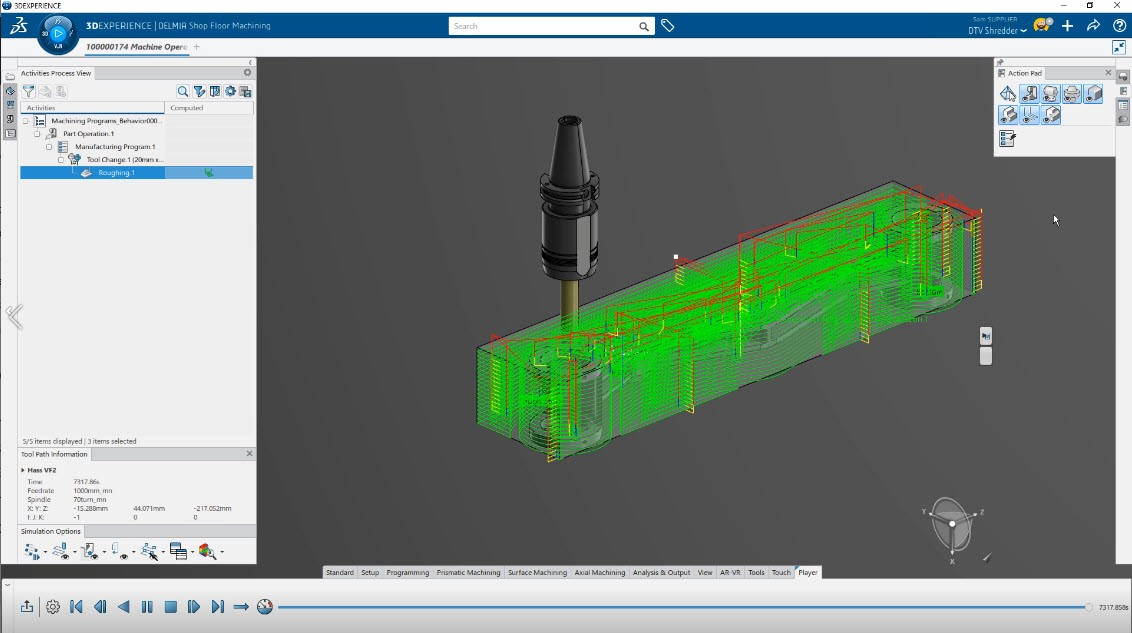
Run toolpath simulation to check for gouges, uncut material, and collisions. Verify material removal before moving to the machine.
Step 8: Generate NC Code
Post-process the verified toolpaths to produce G-code for your CNC machine. Save the NC file or send it directly to the machine controller through your shop-floor workflow.
Key Benefits
- No extra license cost for eligible subscription users.
- Cloud access means you can program from any browser, not just a CAD workstation.
- Always up-to-date design data reduces versioning errors between design and manufacturing.
- Simple, focused interface gets shop-floor users productive faster than a full CAM package.
- Faster response to design changes because operators can program directly from the latest cloud revision.
When to Upgrade
Shop Floor Programmer is perfect for straightforward 2.5-axis parts and cloud-based workflows. If you need more advanced capability, consider these alternatives:
- SOLIDWORKS CAM Standard for feature-based 2.5-axis programming inside SOLIDWORKS Desktop.
- SOLIDWORKS CAM Professional for turning, mill-turn, 3-axis milling, and probing.
- 3DEXPERIENCE NC programming roles for full cloud CAM, high-speed machining, and complex multi-axis work.
Get Started Today
Shop Floor Programmer removes a common bottleneck: the shop floor no longer has to wait for a dedicated CAM programmer or a full CAD seat. If you already have an active SOLIDWORKS subscription, check your platform roles and give it a try. Need help setting it up or training your team? Contact us and we will guide you through the installation, licensing, and first part program.