Step-by-step procedure to perform random vibration analysis in SOLIDWORKS
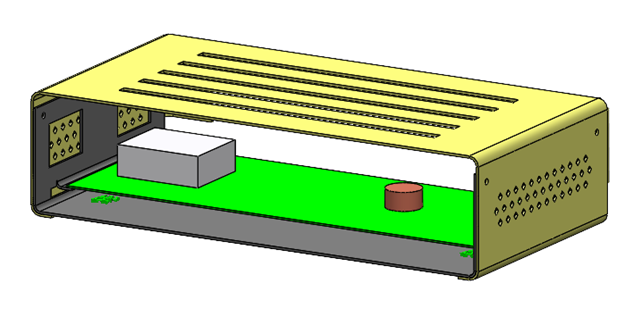
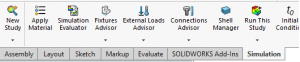
- Create new study as show.
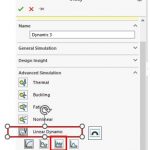
- Select study random vibration under linear dynamic, as shown
- Expand the parts folder and apply material as shown the image below
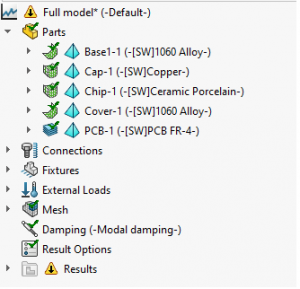
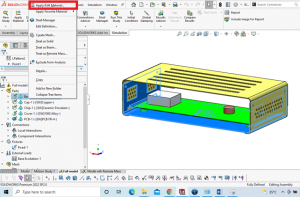
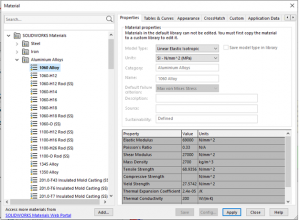
4. Select the material from material database.
5.Right-click the local interation under connection, select type bonded , select the required touching faces as shown.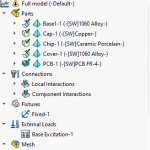
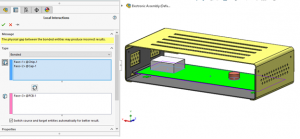
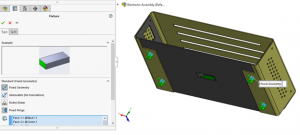
6.Right-click the fixture and select fixed geometry and select all hole faces as shown in below image.
7.Right-click the load external-load, select uniform base excitation and click acceleration and enter 20.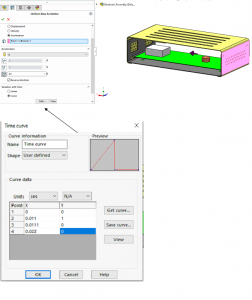
8.Right-click damping and select edit/define and enter values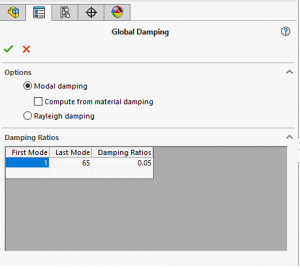
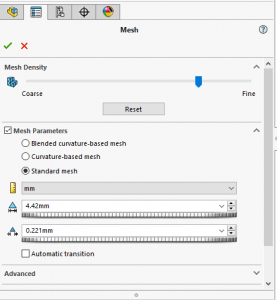
9.Create mesh and run the analysis.